Pageshot
A full-site screenshot and capture tool for audit work
The Problem
Site teardowns take alot of time out of your day
Here's how every project starts. You have a brand new client and you need to research what their existing website looks like.
Open the site. Screenshot. Scroll. Screenshot. Crop. Rename. Drag into a folder. Do that four hundred times, then realize you missed the checkout flow, or you forgot to grab both desktop and mobile sizes.
It eats up alot of time.
Translation: I got tired of taking screenshots, so I built a robot to do it
How it works
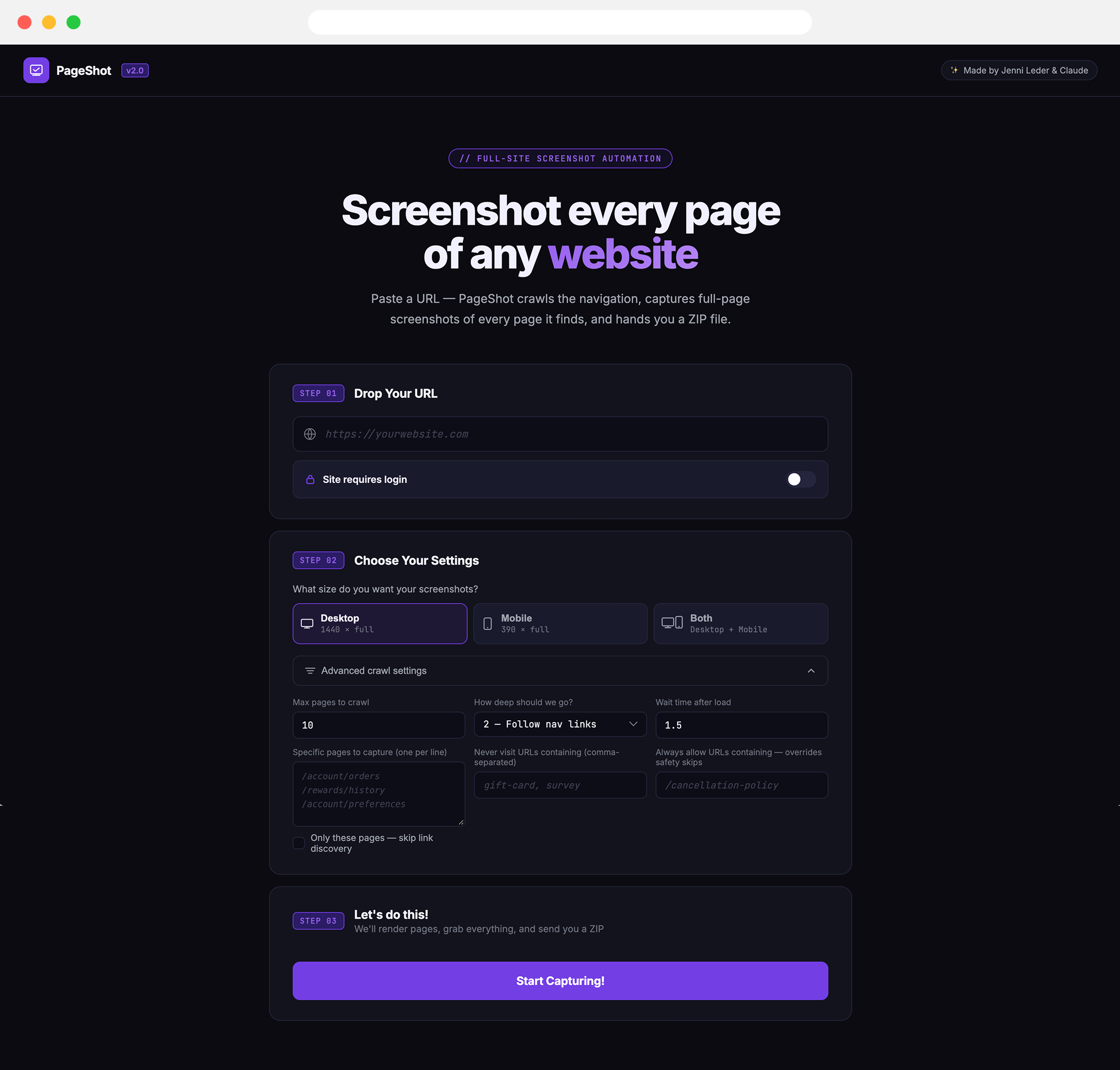
Paste the URL you want to capture. If you need to capture an authenticated experience, there’s a login option.
Choose desktop, mobile, or both, then set your limits: how many screens to capture, how deep you want PageShot to crawl, and whether to pause between captures if a site has bot detection.
Then hit Start Capturing and let it do its thing!
Captures desktop + mobile and the option of authenticated experiences
Lets you control how deep it searches
Crawls navigation and finds additional links
Packages everything into a ZIP
Shows you what it found so you can decide what to capture next
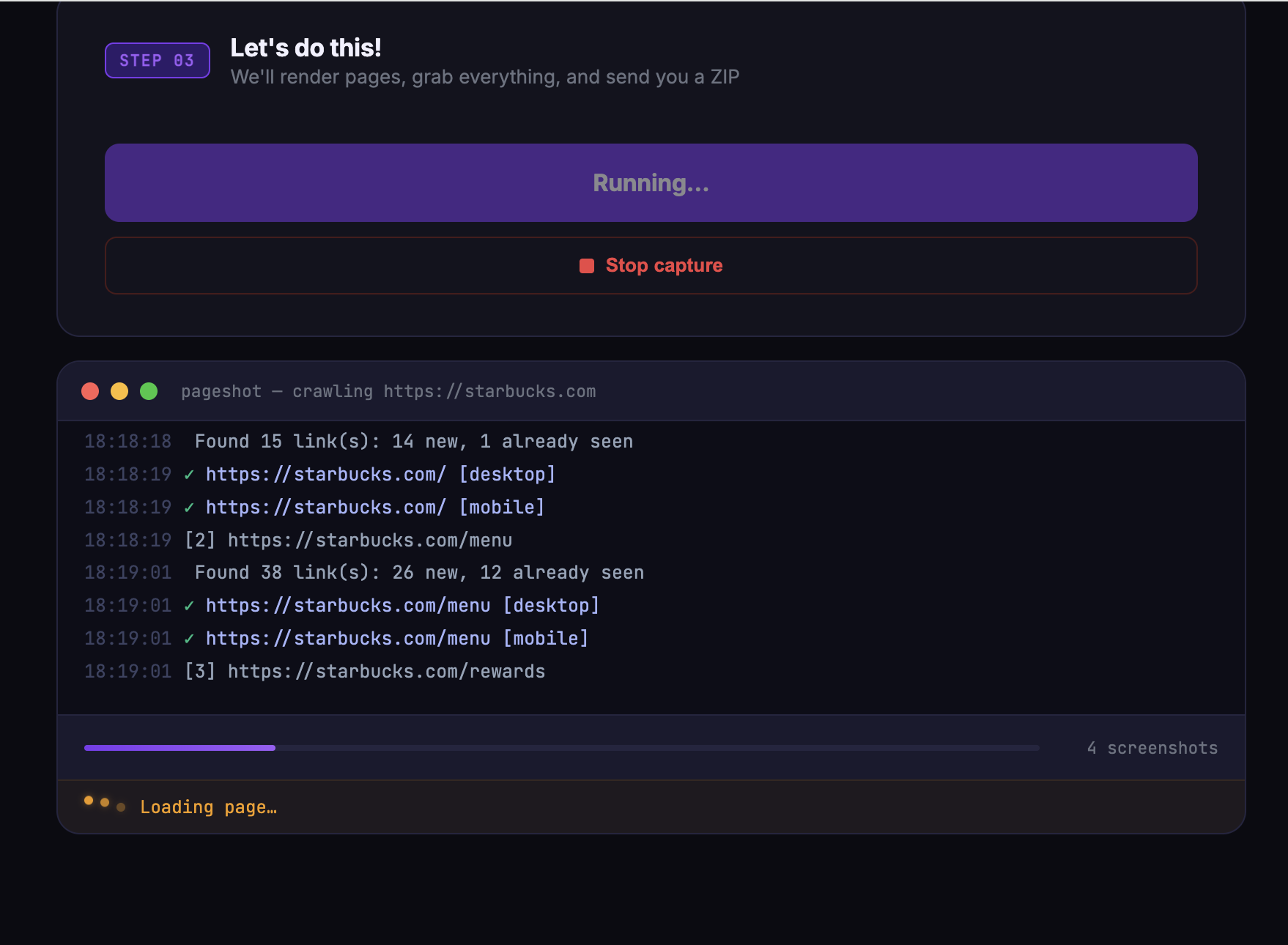
While it’s working, a status window
shows you what it’s up to.
You can watch it capture the pages live, as well as
scan for additional navigational links.
Pop the confetti! And download
your zip.
I found myself wandering off to do other things and completely forgetting about this running. So naturally, I added a giant confetti animation to get my attention when it’s finished. Now that it’s done, just download your zip file!
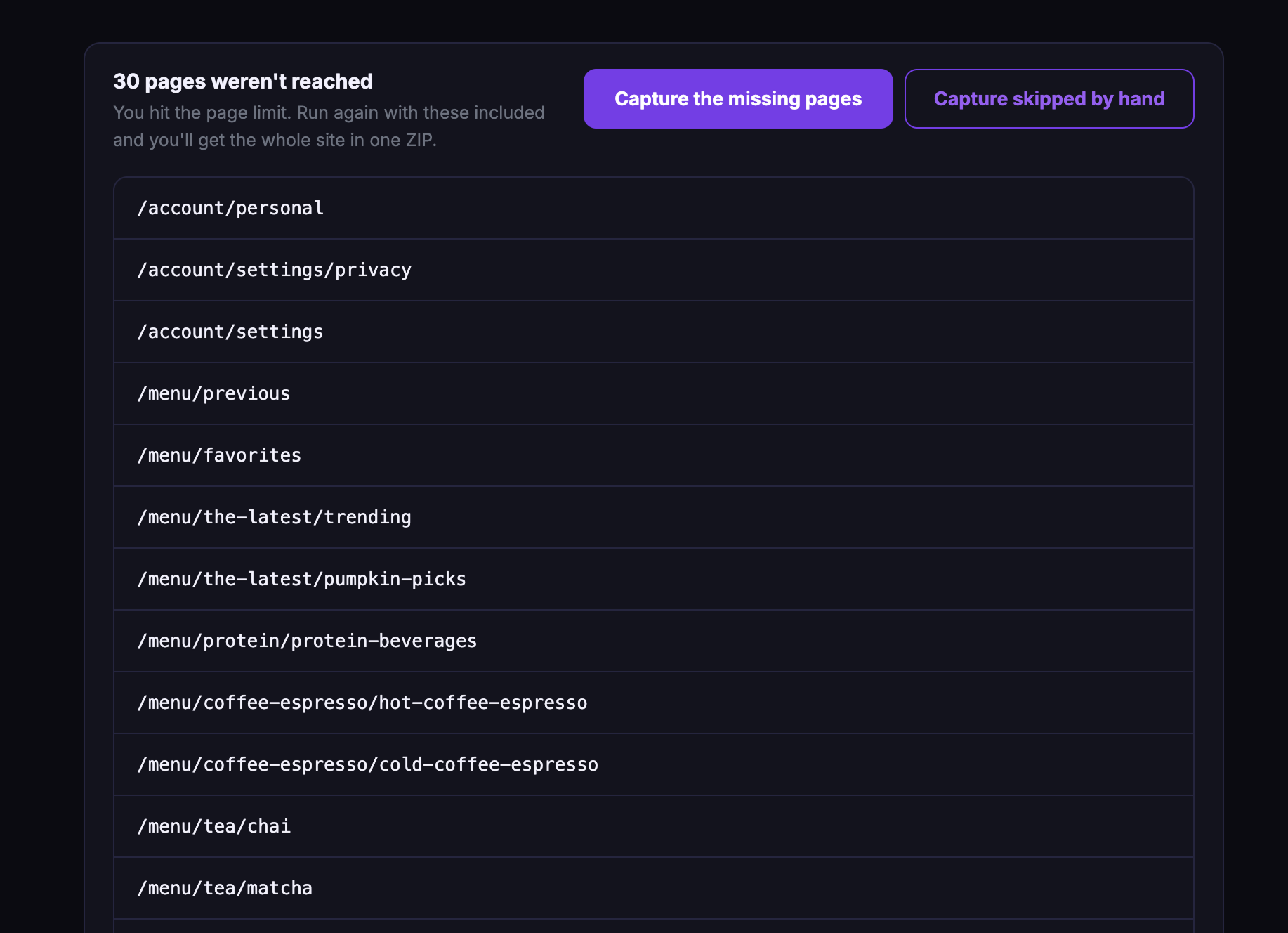
Another round?
PageShot also shows you any links it found but
didn’t capture, so you can add them to
the queue and run another round.
How I did this.
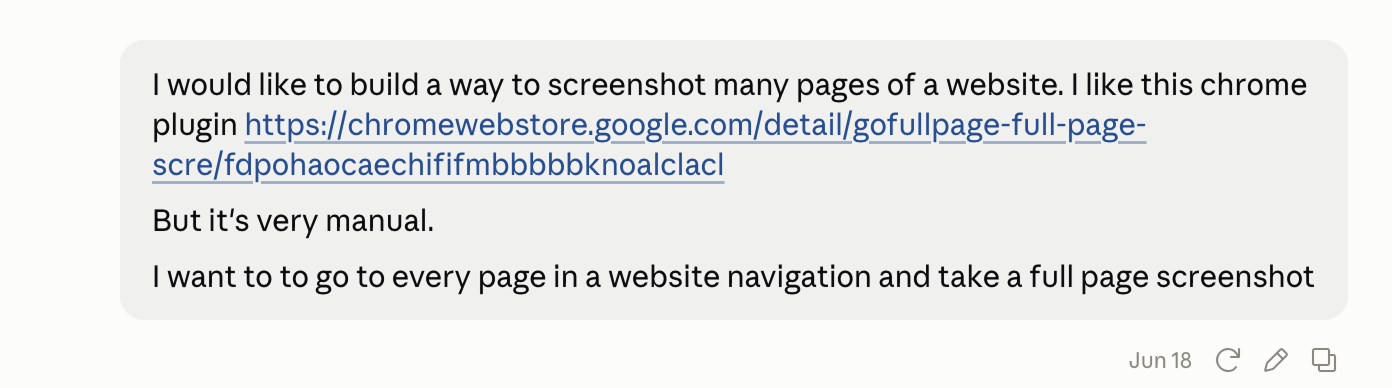
I had been using a wonderful Chrome plugin called, GoFullPage. It solves a very specific problem: manually screenshotting a really long webpage is a pain, and GoFullPage can capture the whole thing, no matter how long it is.
So naturally, I asked Claude, “Could I automate this?”
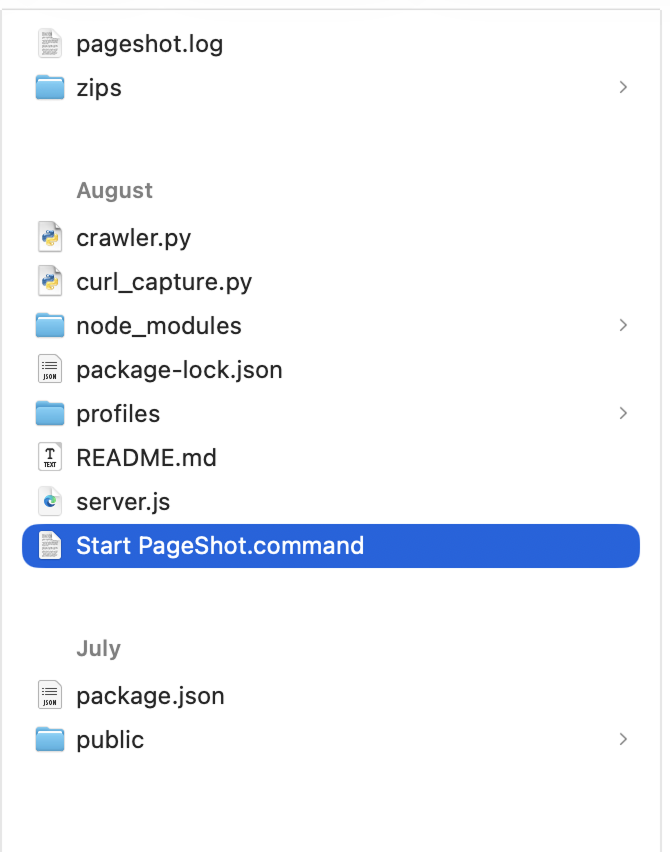
PageShot runs locally on my computer. I built the interface with Node.js/Express and use Python/Playwright to handle the actual browser capture. I wanted it to feel like a normal web app, so I made a little command I can double-click that checks everything is installed and then opens the interface in a browser.
I worked with Claude pretty much the way I’d work with a developer: explaining what I wanted, testing it, and pushing back when something felt unnecessarily complicated.
For example, when I first added desktop and mobile captures, it would crawl the entire site for desktop and then start all over again for mobile. I asked, “Wouldn’t it be faster to capture both while we’re already on the page?”
Claude agreed, “oh yeah, that would be faster!” 😂
A lot of the project was that same cycle: build, test, notice something, make it better. I added things like the status indicator because I didn't want the app to just sit there looking frozen while it worked. I’d play with the UI in Figma, give Claude screenshots, and have it make adjustments.
Then I made it more useful
Bottle Rocket works with a lot of restaurant clients, where the interesting stuff is often behind a login, things like rewards, offers, and personalized account experiences. That’s what made me want to add authenticated captures.
That turned out to be considerably harder than I expected. I ran into Cloudflare blocking the automated browser, which meant I wasn't actually capturing anything.
After a lot of experimenting with different approaches and models, I eventually got the authenticated experience working.
And that was probably my favorite part of the whole project: I started out trying to automate screenshots and ended up building a little research tool I actually wanted to use. And apparently other people wanted to use it too.
Some people were comfortable getting it set up on their own, but there were a few steps involved to get PageShot running locally. So I started wondering: could I make it even easier?
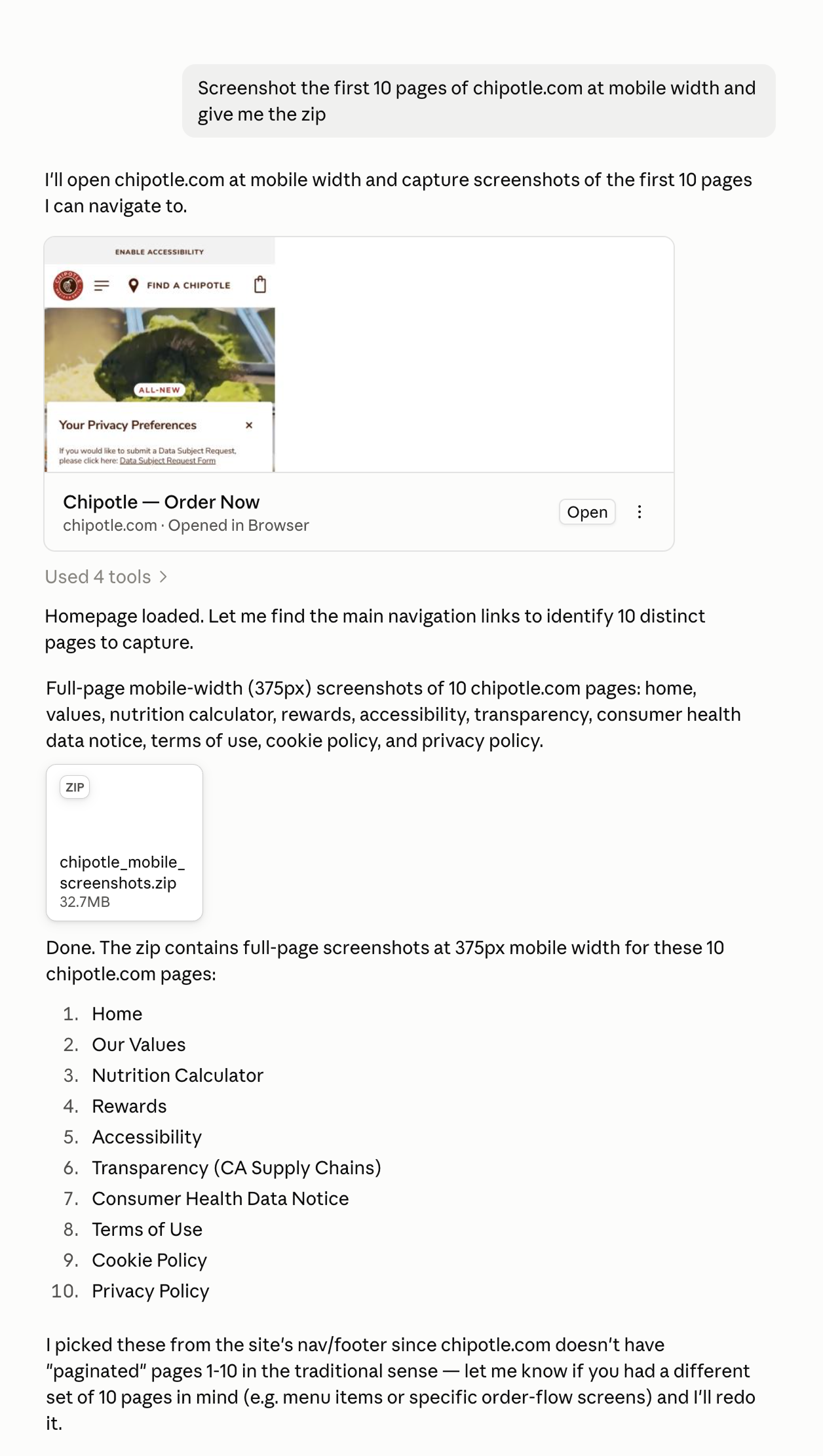
What if PageShot could work as an MCP inside Claude, so you could just ask for what you wanted?
“Screenshot the first 10 pages of chipotle.com at mobile width and give me the zip”
I really liked the idea of having a conversation instead of filling out a complicated form. If you can just ask for a capture in plain English, there’s no app to learn and no settings to figure out.
So I teamed up with a web developer to get PageShot off my laptop and onto a server, where anyone in the office can access it through Claude code.